



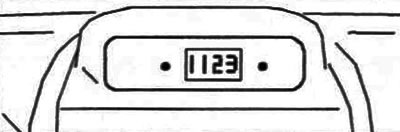
Figure 16, a Clock
On variants equipped with an audio system, a multifunction display is located at the top of the center console (figure 16, b).
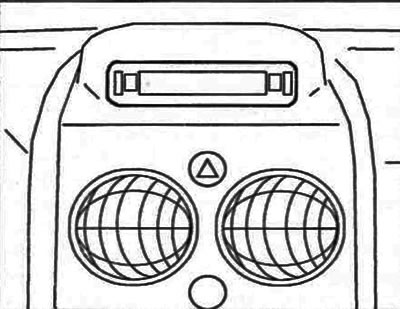
Figure 16, b. Multifunctional display
[Original can be viewed at PeugeotBook.ru]
It allows you to display the following information:
- time;
- date;
- text messages from the audio system;
- warning messages from some systems (for example, a warning about an open door).
To adjust the display parameters, use the buttons located on the sides of the display. After holding the left button down for 2 seconds, you can start adjusting the parameters. Flashing numbers indicate that adjustments are possible. After this, each time you press the left button, various data is displayed on the display in the following order:
- display message language;
- time (in 12-hour format, and then in 24-hour format);
- minutes;
- year;
- month;
- day of the week.
By pressing the right button you can change the value of the selected parameter. Holding down the left button will scroll quickly through the details. If no action is performed for 7 seconds, the display will return to the main information display and the changed parameters will be saved into memory.